Ready-made templates with Formatter
Pre-configured flows with Formatter, ready to activate in a few clicks.



Convert sales amounts to the Brazilian format before issuing the invoice


Replace semicolons with commas before sending the data to your spreadsheet.


Standardize the date format before creating the calendar event


Adjust the system date format before creating the Trello card


Convert sales timestamps to the local time zone before posting the fiscal entry
Formatter in practice
How different teams use Formatter in everyday automations.
-
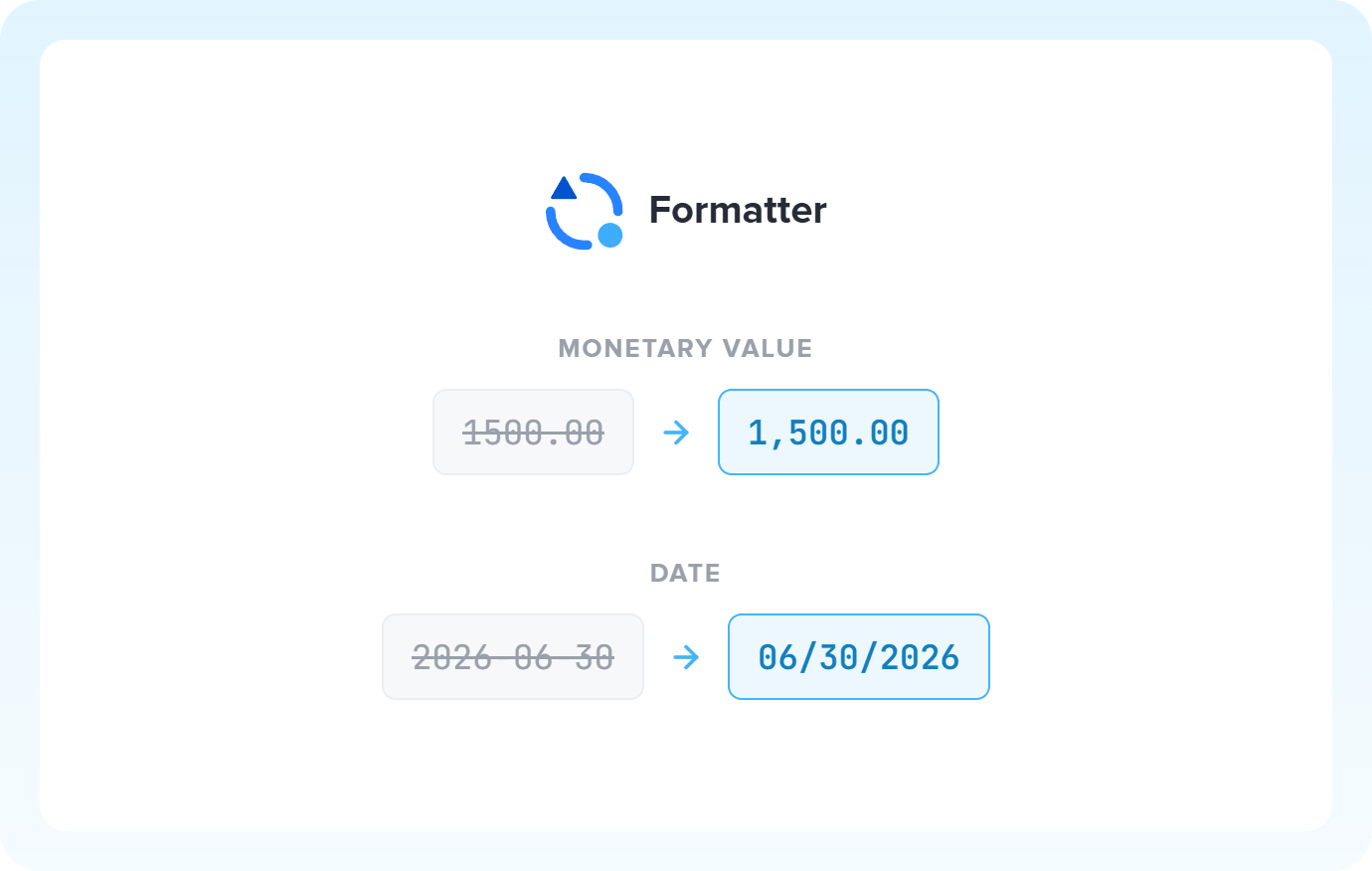
A foreign system exports amounts like "1,500.00". Brazilian tax authorities expect "1.500,00" and may reject or misread the data. Formatter standardizes everything before the amount continues in the flow.
Standardize monetary values -
Not every spreadsheet uses the same separator: one exports with a semicolon (;), another expects a comma (,). Formatter converts the character before sending, and the data arrives compatible with the destination.
Convert separators with Formatter -
A CRM exports dates as DD/MM/YYYY, but the destination expects YYYY-MM-DD. Formatter converts the format along the way and the integration keeps working, with dates flowing correctly from start to finish.
Format date patterns
All automations with Formatter
-
Tiendanube
-
Google Sheets
-
HubSpot
-
eNotas
-
Pipedrive
-
Google Calendar
-
Agendor
-
Trello
-
Hotmart
-
NFe.io
-

Omie ERP
-

Bling
-

Asaas
-

Ploomes
-

Gmail
-

Conta Azul
-

Pipefy
-

Omie CRM
-

ActiveCampaign
-

Moskit CRM
-

RD Station CRM
-

PipeRun
-

RD Station Marketing
-

Olist
-

Vindi Recorrência
-

Notion
-

iugu
-

Excel
-

NectarCRM
-

Airtable
-

Bitrix24
-

Kommo
-

Webhooks
-

Twilio
-

Microsoft Outlook
-

Adobe Commerce 2.X (Magento)
-

Google Docs
-

Leadlovers
-

Ramper Marketing
-

Sympla
-

Loja Integrada
-

Whapi
-

WooCommerce
-

Pagar.me
-

Superlógica Assinaturas
-

Slack
-

Todoist
-

monday.com
-

ClickUp
-

Clicksign
-

Shopify
-

Reportei
-

Manychat
-

MemberKit
-

Mercado Pago
-

Mailchimp
-

Mautic
-

Intercom
-

Meets
-

SendGrid
-

Telegram Bot
-

Adobe Commerce 1.X (Magento)
-

vhsys
-

Nibo
-

Squarespace
-

Discord
-

Microsoft Teams
-

BomControle
-

WhatsApp Business API
-

Z-API
-

Evolution API
-

Asana
-

Jira Software Cloud
-

Facebook Custom Audiences
-

Google Contacts
-

Ramper Pipeline
-

Blip
-

E-goi
-

Webflow
-

flwchat
-

Zenvia Canais
-

Mercos
-

ZapSign
-

PayPal
-

PagBank
-

Guru
-

Yampi
-

Kiwify
-

Eventbrite
-

Stripe
-

Vindi Pagamentos
-

JivoChat
-

Typeform
-

Google Forms
-

Granatum Financeiro
-

Zendesk
-

Tally
-

Gravity Forms
-

Calendly
-

Facebook Lead Ads
-

RD Station CRM (legado)
-

Zoho CRM
-

Eduzz
-

Linkedin Lead Ads
-

Mandrill
-

Jotform
-

TikTok Ads
-

Google Lead Form
-

MCP
-

Mercado Libre
-

Kobana
-

Google Drive
-

ChatGPT
-

Instagram Business
-

Google Gemini
-

Supabase
-

Bkper
-

Lovable
-

Facebook Pages
-

SendPulse
-

Claude (Anthropic)
-

AI Toolkit
-

Scheduler
-

Code
-

Loop
-

AI Agents
-

Router
-

AI Classification
-

HTTP Request
-

AI Extraction
-

AI Summarization
-

AI Translation
-

Delay
-

Facebook Ads Insights
-

Switch Guard
Trusted by over 10.000 companies










Available actions with Formatter
The action is the task Pluga performs automatically on Formatter, every time a trigger runs.
Replace data format
replace date format (e.g. 'AAAA-MM-DD' to 'MM/DD/AAAA)
- Standardize dates between your apps like CRMs and calendar
- Avoid integration errors caused by incompatible date formats
- Adjust the time zone between the source and destination tools
Date to be formatted Required
Source date format Required
Source timezone
Final date format Required
Target Timezone
Formatted date name Required
Replace characters
replace characters (e.g. format number)
- Replace a period with a comma in numeric values (e.g. "150" → "150,00")
- Convert spreadsheet separators (";" → ",")
- Remove unwanted characters (e.g. "+" from phone numbers)
Desired replacement Required
Text to be formatted
Number to be formatted
Formatted text /number name Required
Search for
Replace for
Occurrence replacement
Desired characters
How to integrate with Formatter
Frequently Asked Questions
Everything you need to know to get started with Formatter on Pluga.
